01
Describe
Give Optivia your project context, or just describe what you want to build. That one brief is all it needs to start.
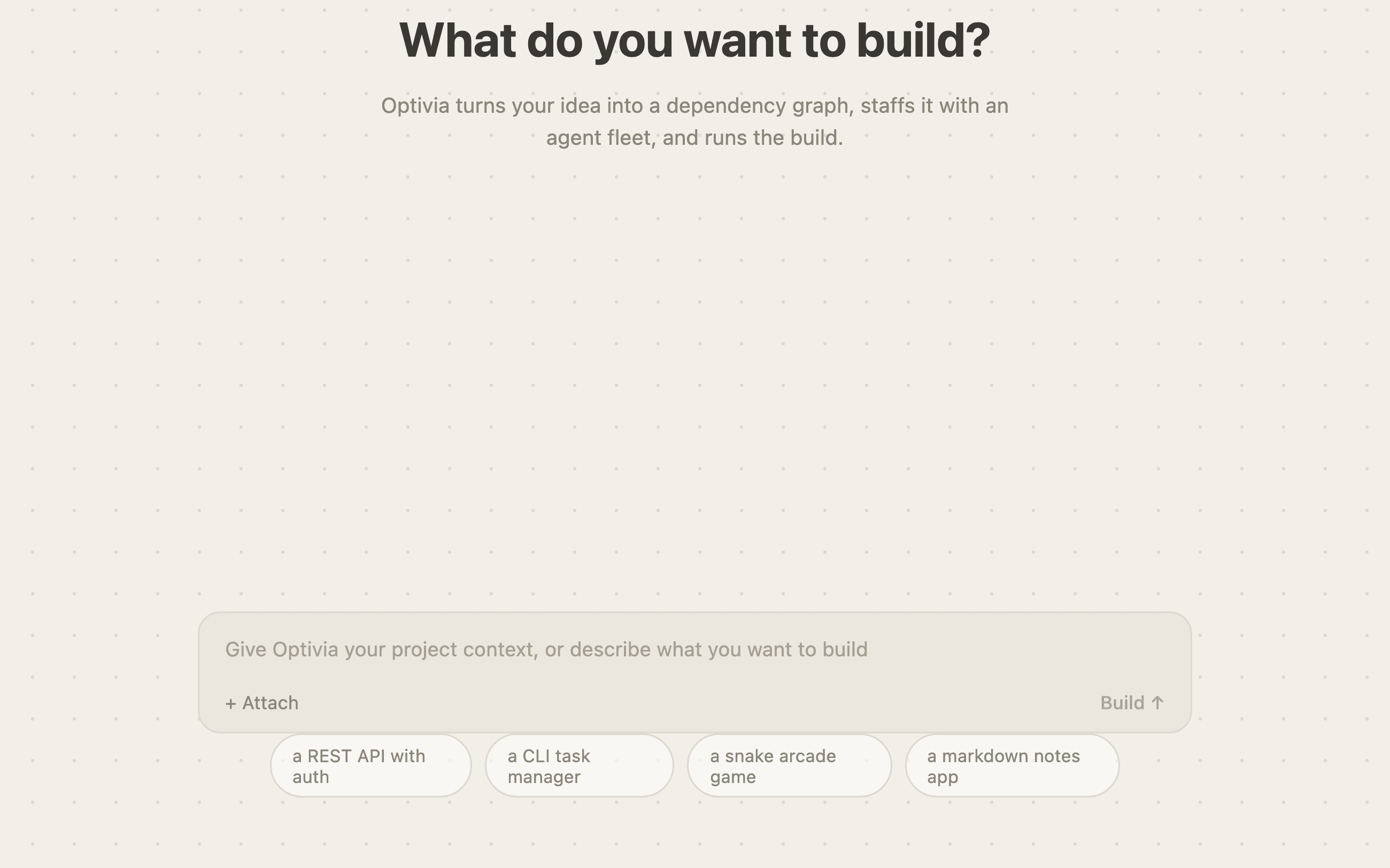
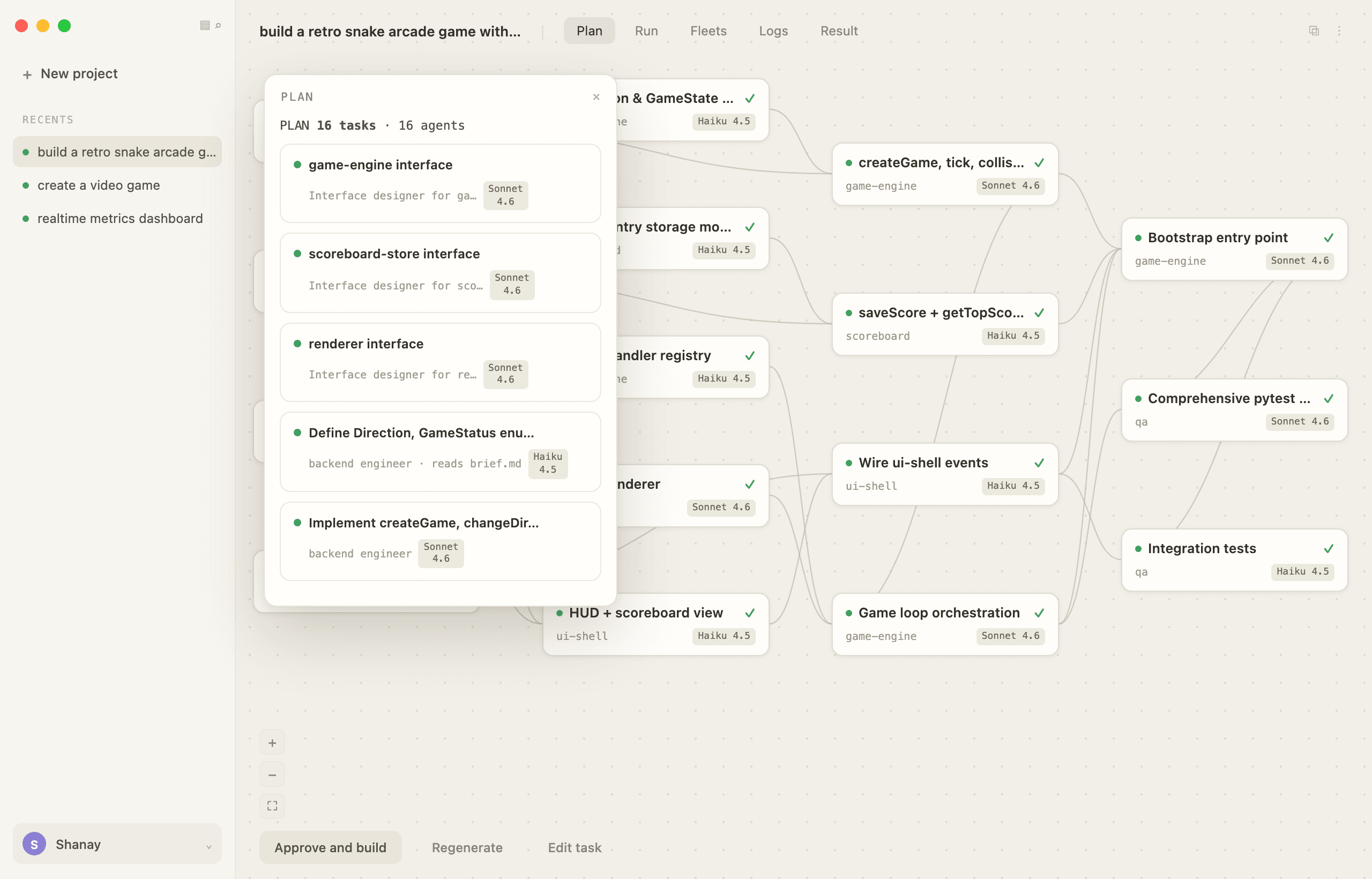
Optivia turns your brief into a dependency graph of tasks, staffs it with agent fleets, and verifies every task before it ships.
OTTO
01
Give Optivia your project context, or just describe what you want to build. That one brief is all it needs to start.
02
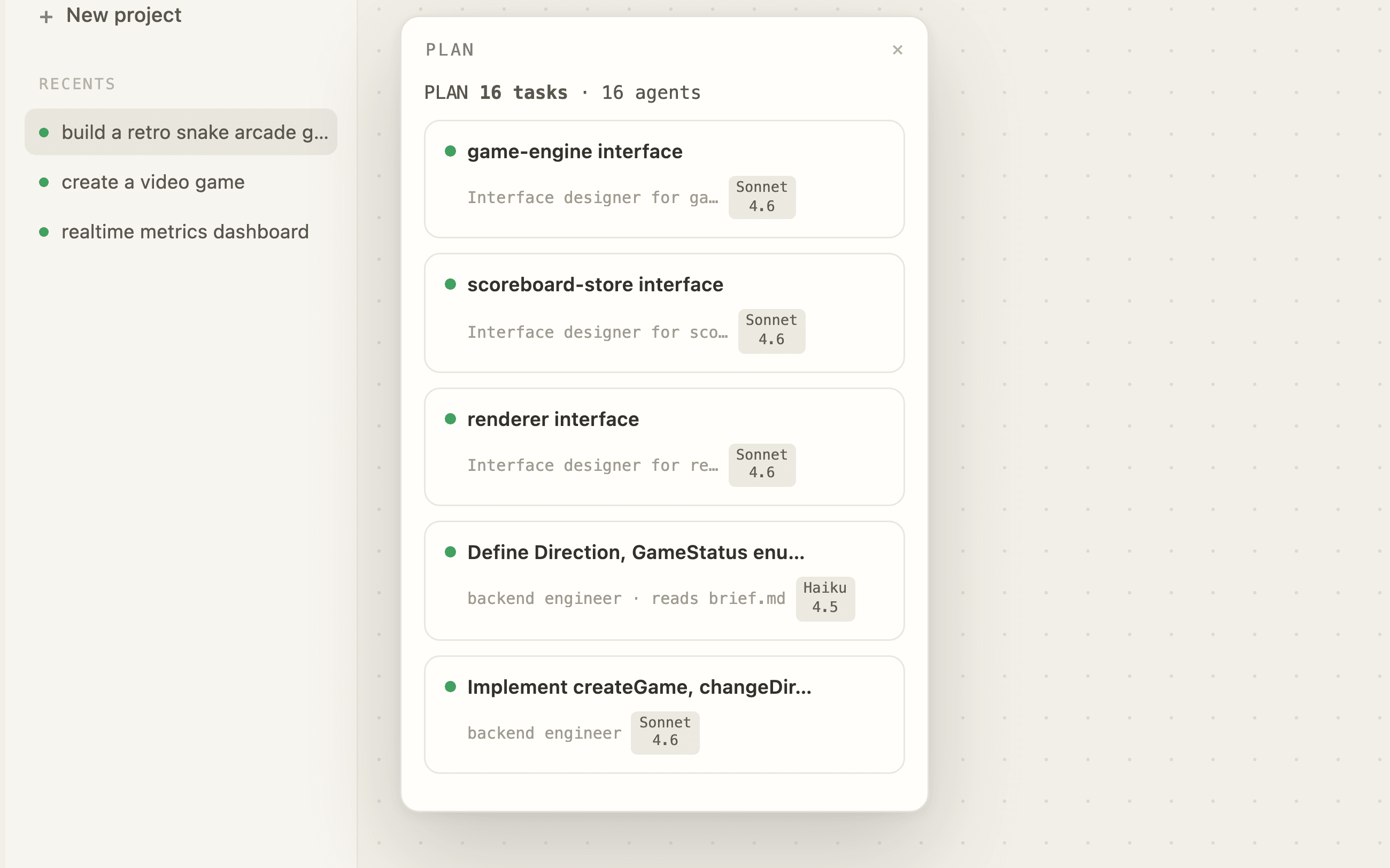
The brief becomes a dependency graph: interfaces first, then implementation, ordered by what blocks what.
03
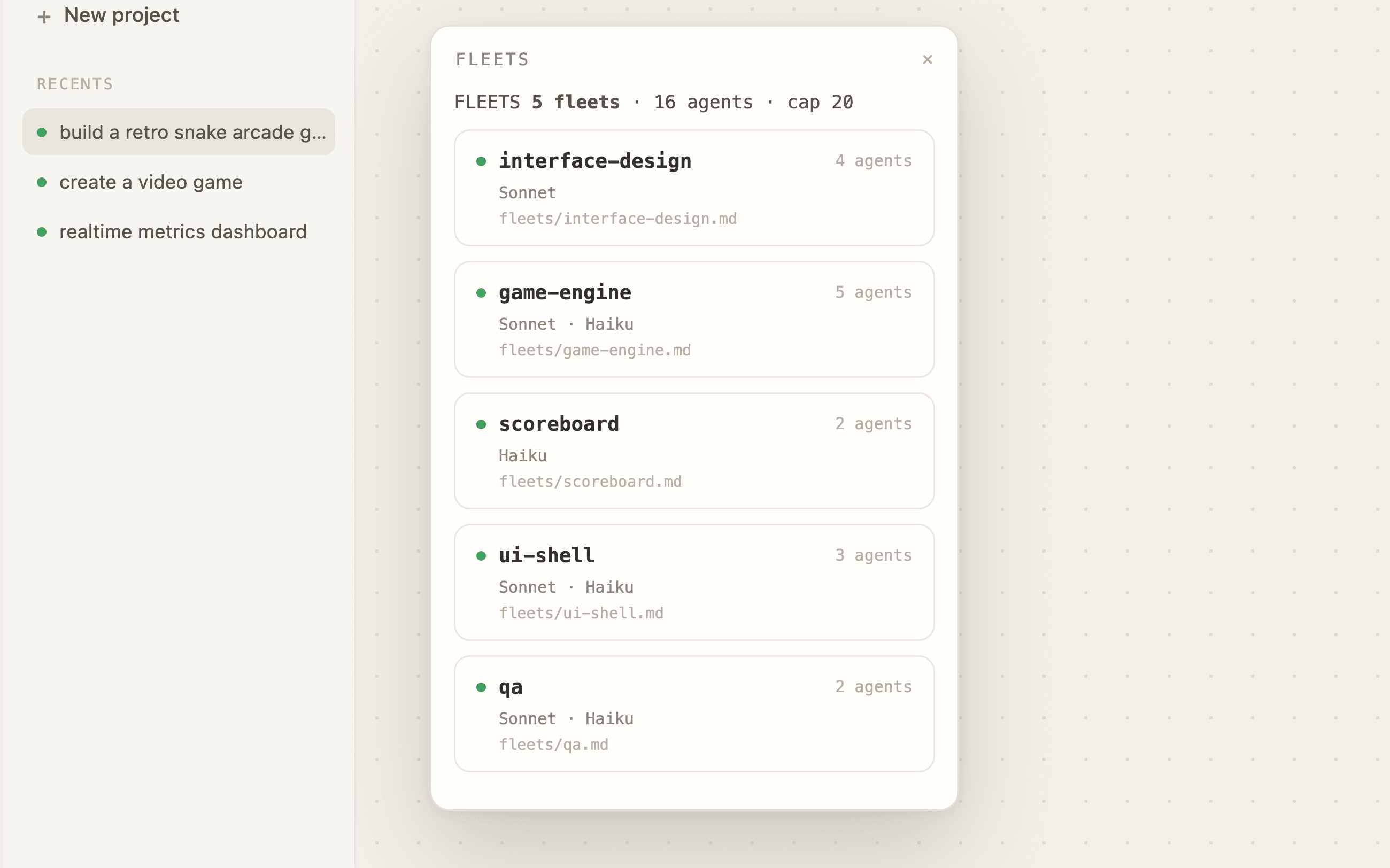
Each subsystem gets its own fleet of agents, with the model matched to the task.
04
Fleets build in parallel while you follow live logs. Every task is verified before it counts toward done.
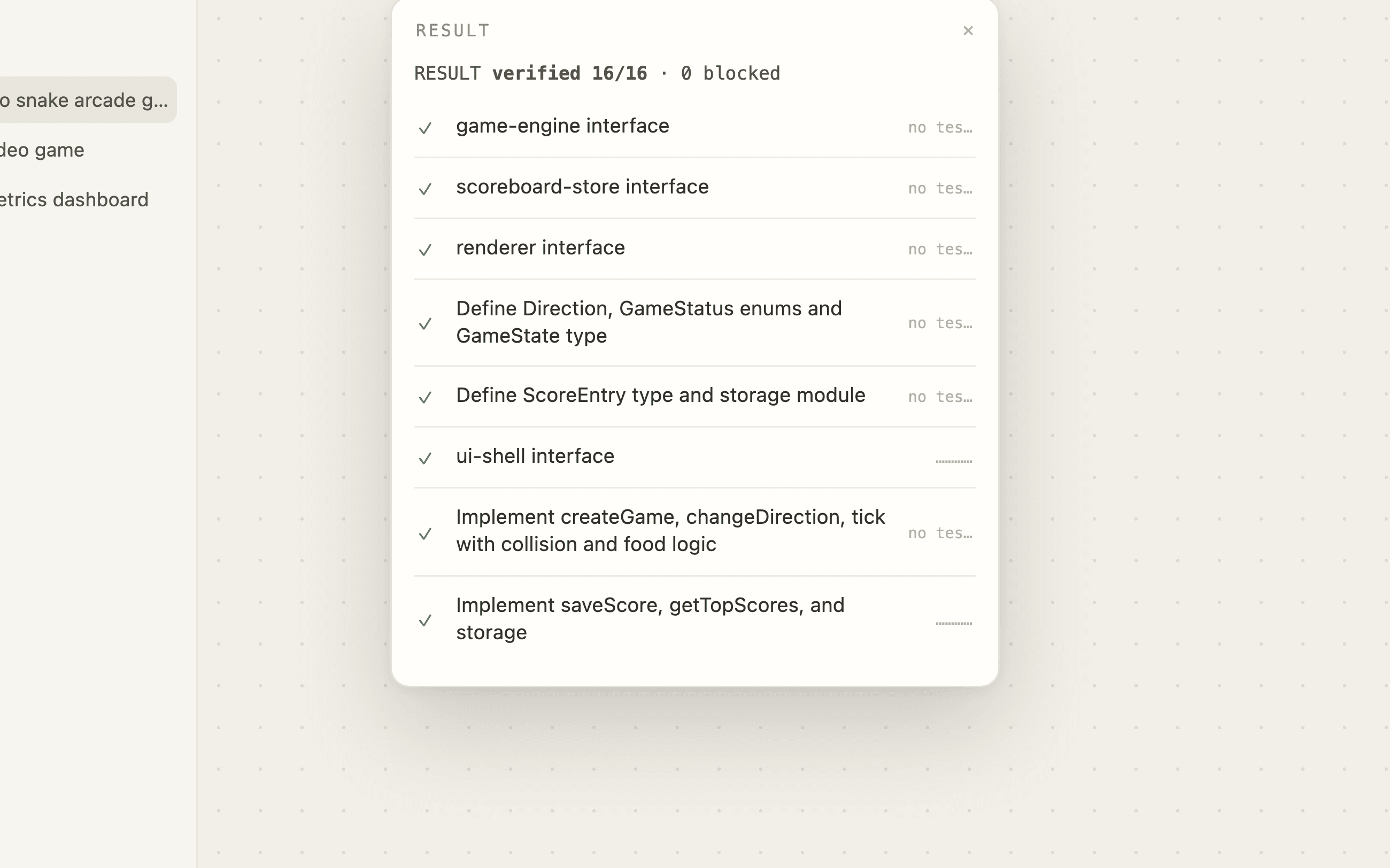
Five views over one run, from the first plan to the verified result, following a real build of a retro snake game from a single prompt.
0:00
one prompt to verified build
0/16
tasks verified · 0 blocked
0
agent fleets in parallel
$0.00
total model spend
The whole build loop, from context to a verified, recorded run.
ContextA context folder of brief, conventions, and references, or an existing repo. Each task is scoped to just the files it needs.
Optivia is a macOS desktop app that turns a project brief into a dependency graph of tasks, staffs each task with a fleet of specialized AI agents, and runs the build, verifying every task before it counts as done.
Optivia routes work by task type: judgment-heavy tasks like interface design go to Claude Sonnet 4.6, mechanical implementation goes to Claude Haiku 4.5. You bring your own API key and stay in control of spend.
The app is free during the v0 preview. You pay only for your own model usage. The full demo run on this page cost $3.45 in API spend, end to end.
Optivia is local-first. Projects, runs, and logs live in a local database on your Mac. The only thing that leaves your machine is the model calls the agents make.
A Mac with Apple Silicon and an Anthropic API key. Download the DMG, drag it to Applications, add your key, and describe your first build. The preview build isn’t notarized with Apple yet, so on first launch right-click the app and choose Open — you only need to do that once.
Wherever you want it. Save the verified build straight to disk as files, or copy a prompt-pack of the whole run to hand to any other tool.
Optivia is in early preview. Download the desktop app and ship your next idea as a verified build.